
[Disclaimer: This post is for technical demonstration purposes only and does not constitute an official endorsement of SNUC.]
As part of my role helping customers plan and strategize their workloads and edge workloads, I collaborated with Red Hat partner SNUC, a global provider of ruggedized edge systems. Colleagues worldwide have reached out about this setup, and I’ve been showcasing how seamlessly OpenShift and OpenShift AI run on these compact, rugged devices. It’s exciting to see how rapidly this combination allows us to deliver real value directly to the edge.
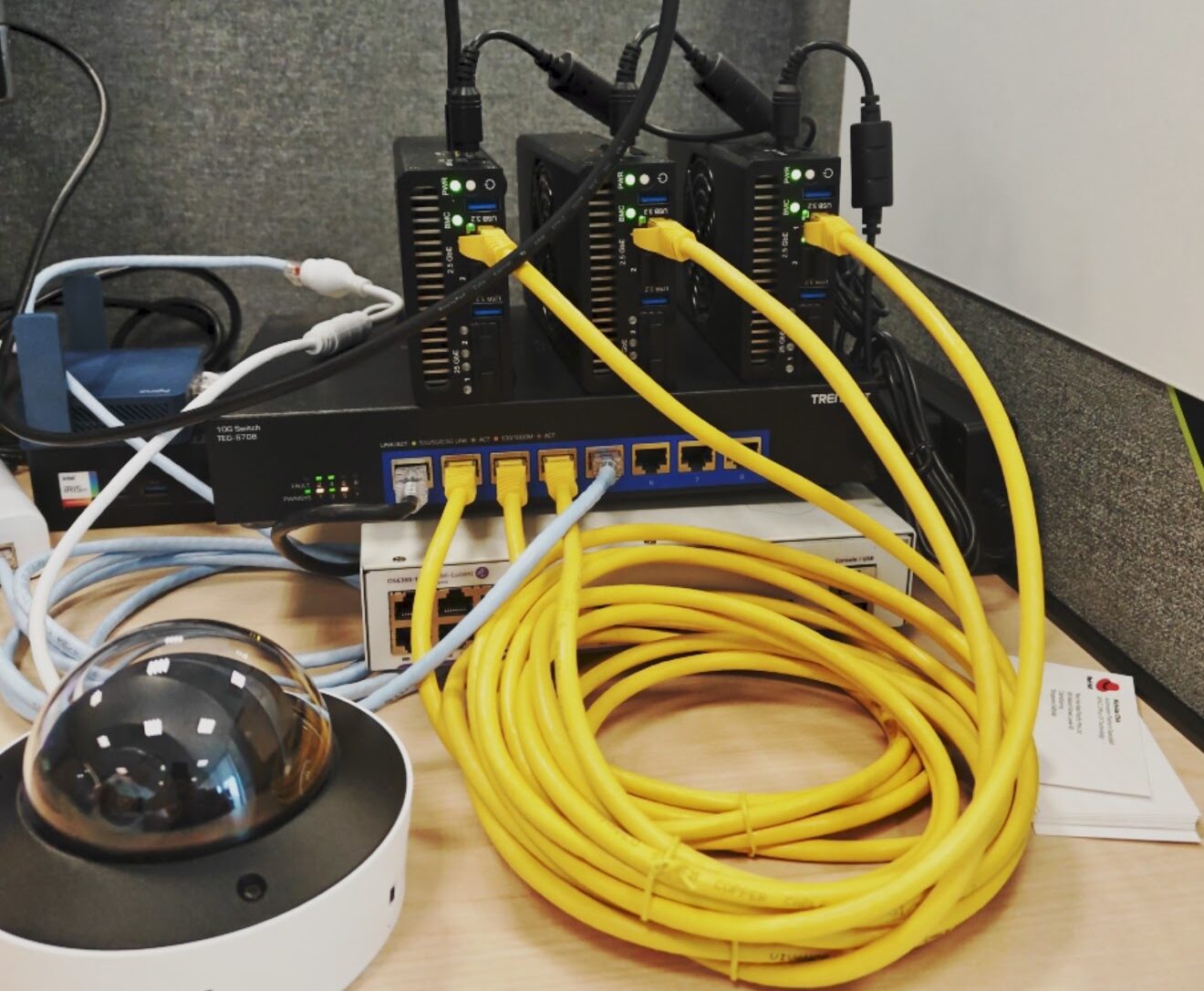
Here’s the hardware from SNUC that supports inferencing AI at the edge:-
- 3 x SNUC E2300 – https://snuc.com/product/ee-2300/
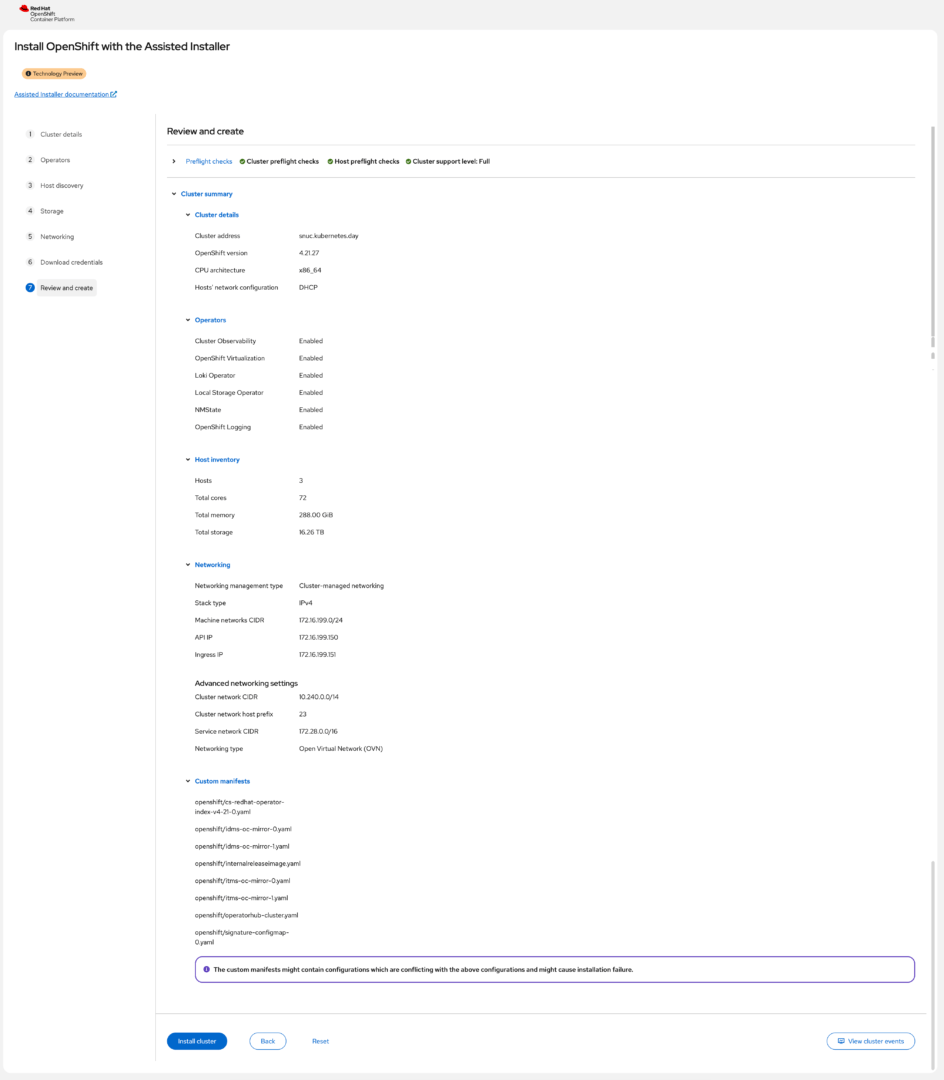
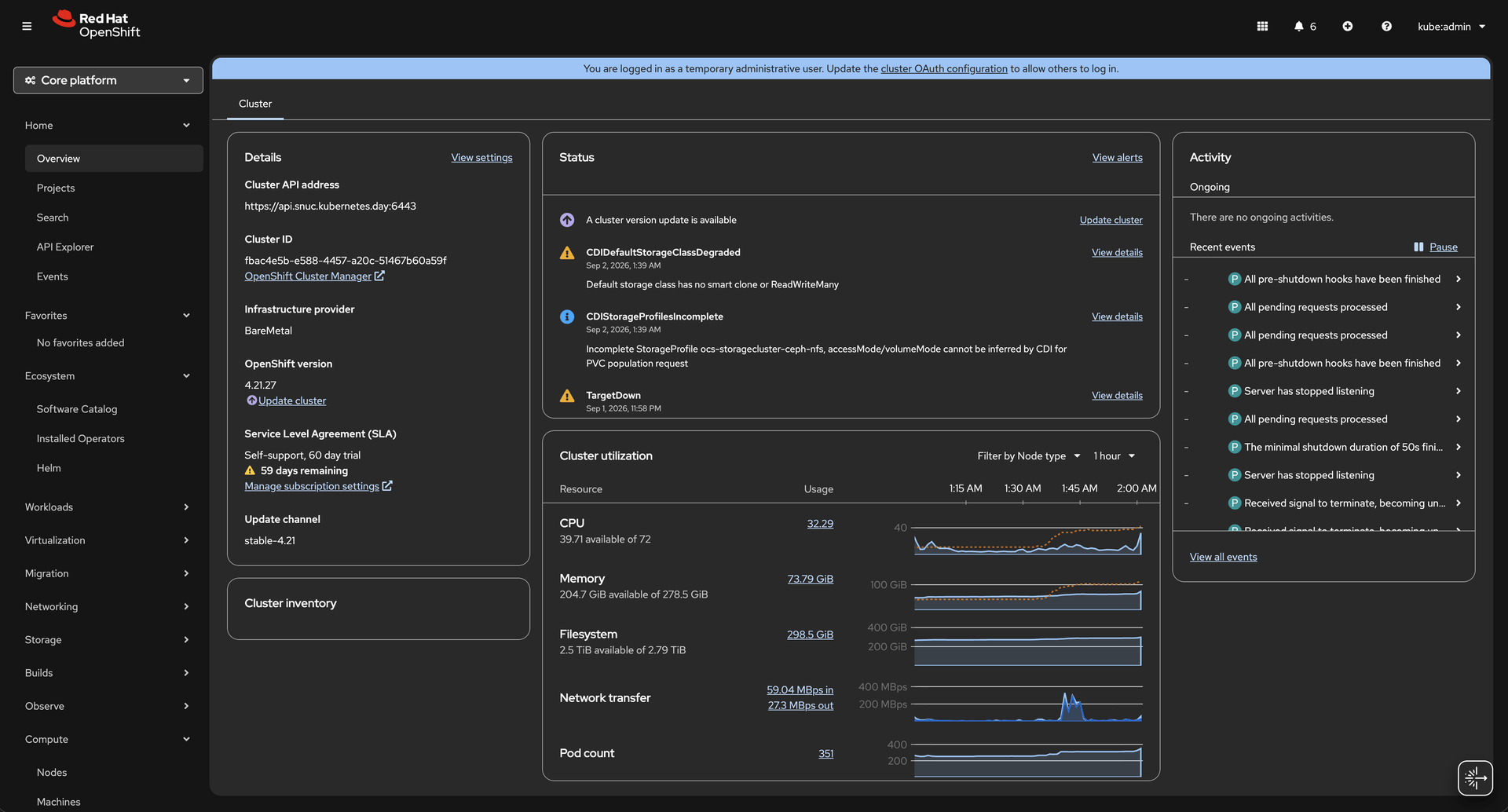
This timeround I decided to install using a Technology Preview (at the point of blogging), OpenShift’s OVE Assisted Installer 4.21.27. This allows me to quickly setup OpenShift with many of the important Operators packed into the image, and conveniently install it in my “air-gapped” environment. Also, for those who are looking at having this wizard setup in their OpenShift deployment, what I heard is that it will come in the near releases. The details of the cluster is as follows:-
OpenShift Compact Cluster
- OpenShift AI (RHOAI 3.5)
- OpenShift Container Platform (OCP 4.21.27)
- OpenShift Data Foundation (ODF 4.21.27)
OpenShift Operators
- Kernel Module Management (KMM) Operator 2.7.0 – Manages host
amdgpukernel modules if out-of-tree builds are needed. - Node Feature Discovery (NFD) Operator 4.21.0 – (Identifies the PCI Vendor ID
1002for AMD graphics. - Open Data Foundation (ODF) Operator 4.21.11 – Ceph storage pool
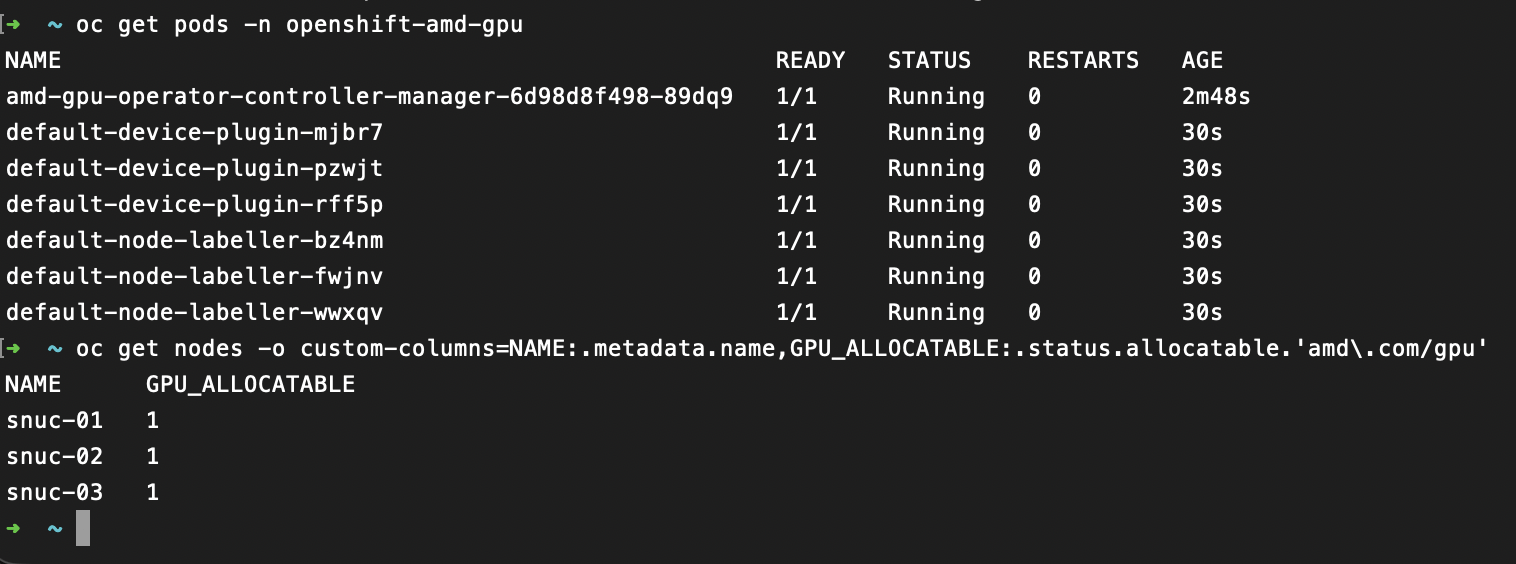
- AMD GPU Operator 1.5.2 – device plugin and drivers for AMD Ryzen AI 9 370
- Node Feature Discovery Operator 4.21.0 – discovers detect-amd-ryzen-gpu
- OpenShift Virtualization Operator 4.21.17 (part of OVE embedded operator)
- Kubernetes NMState Operator 4.21.0 (part of OVE embedded operator)
- Cluster Observability Operator 1.5.2 (part of OVE embedded operator)
- OpenShift Logging 6.6.0 (part of OVE embedded operator)
*I selected what I could enable entirely during the assisted installer setup page.
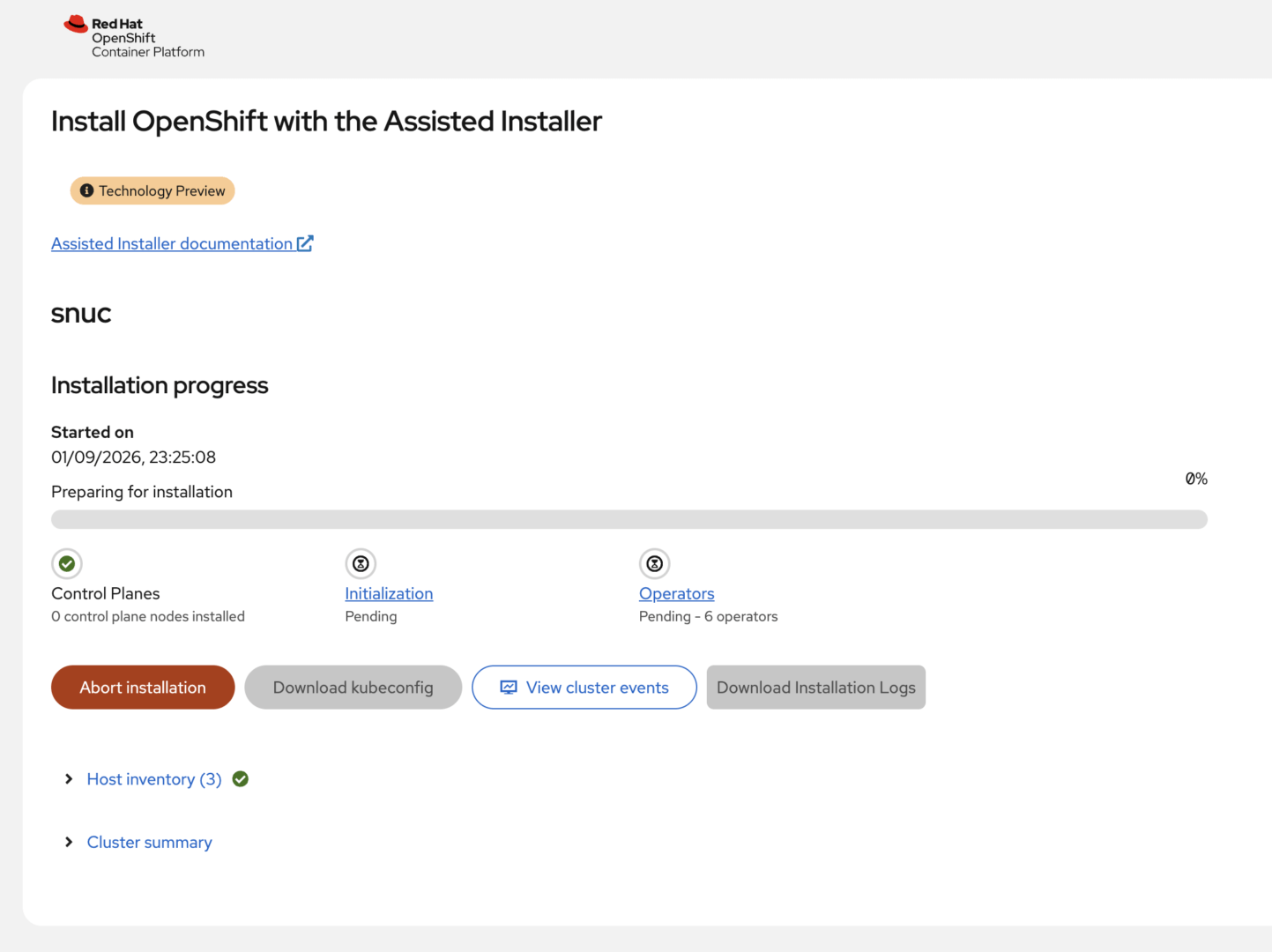
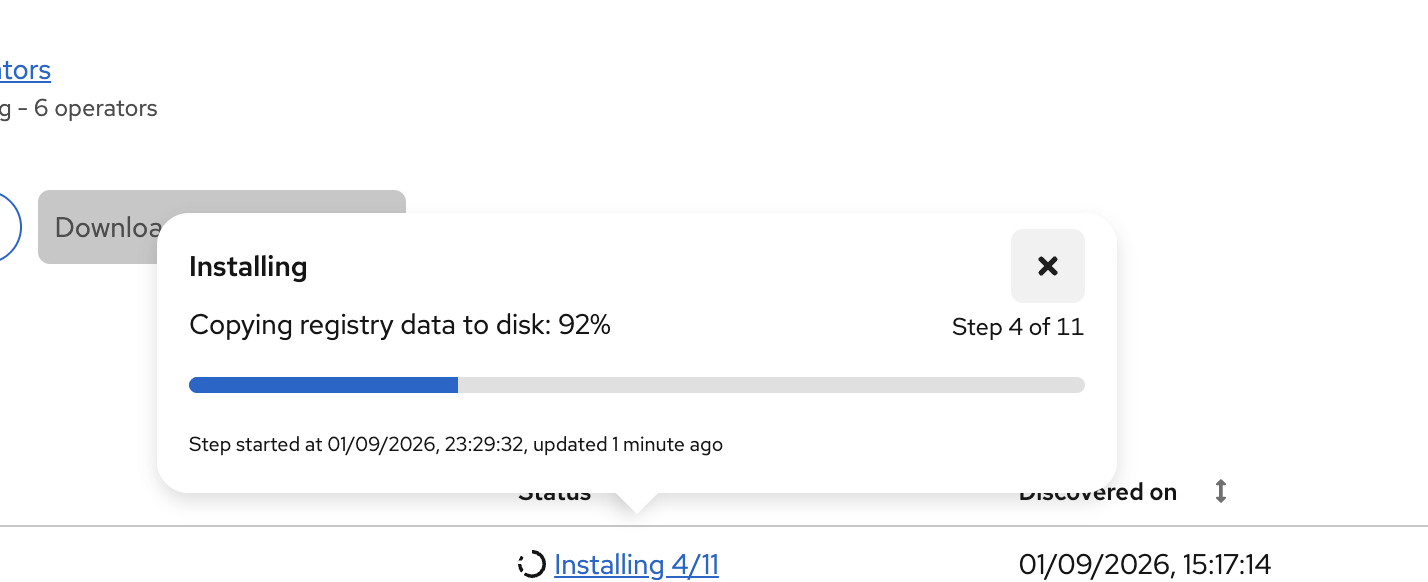
This is how the installation wizard pages looks like during the installation, all the way till OpenShift console is installed successfully. 🙂
And of course, the AI models / chatbot that I built is also deployed on this same cluster. Now this is for another blog post. 🙂
That’s all for today! This is the git repository if you are interested, https://github.com/explicitworkload/llamacpp-oai
I’ll share about the details next time, reach out to me if you are keen to know more!
